On this page
- Design navigation for a thumb, not a mouse
- Break content into purposeful units
- Plan for variable connectivity
- Make assessments mobile-friendly
- Use notifications selectively
- Test content, not just UI
- AcadifyLab context
- Action checklist
- Related AcadifyLab resources
- Next step
- Frequently asked questions
- Conclusion
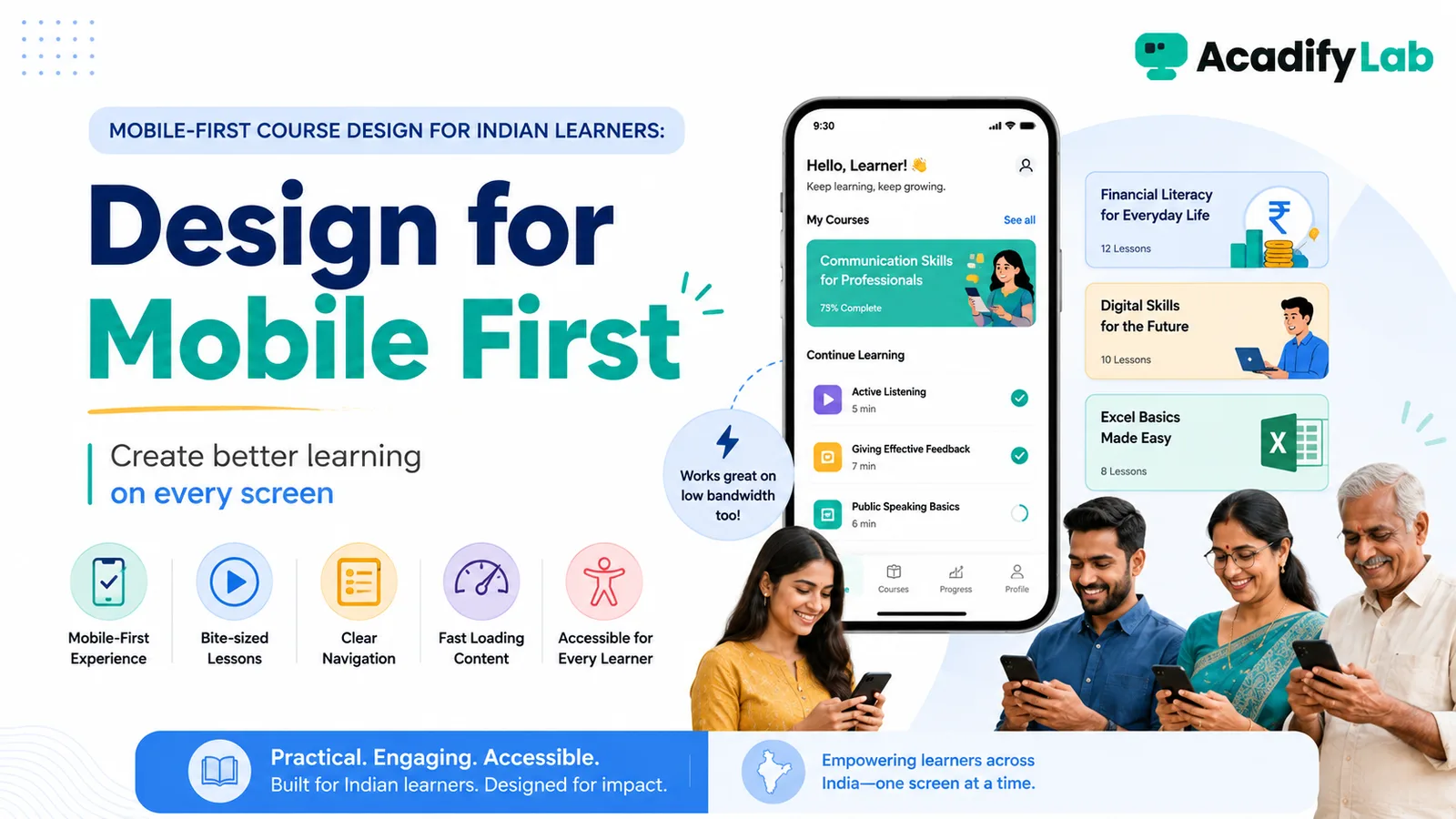
Mobile-first course design means designing the learning journey for a phone from the beginning rather than shrinking a desktop course afterward. For Indian learners, this is especially practical when phones are the primary study device or connectivity varies.
The practical approach is to start from the learning and operating problem, define the minimum workflow that solves it, and then use technology to make that workflow consistent. This guide focuses on decisions that can be tested in a real LMS rather than on feature-count marketing.
Design navigation for a thumb, not a mouse
Keep module titles short, minimise deep menu layers and make the next action obvious. Test the actual learner flow on common screen sizes.
Break content into purposeful units
Small screens reward focused lessons. Split long recordings by topic and add clear labels so learners can return to exactly what they need.
Plan for variable connectivity
Where the platform supports it, downloadable lessons can help learners study when connections are unreliable. Avoid forcing large files when a lighter format communicates the same idea.
Make assessments mobile-friendly
Avoid question layouts that require horizontal scrolling or dense tables. Keep answer choices readable and confirm that timers, navigation and submission states are clear.
Use notifications selectively
Push notifications can support reminders and re-engagement, but too many alerts train learners to ignore the app. Reserve them for meaningful events.
Test content, not just UI
Check captions, diagrams, PDFs, code, formulas and slide text on a phone. A technically responsive page can still be difficult to learn from.
AcadifyLab context
AcadifyLab lists native Android and iOS apps, offline downloads, push notifications and responsive web access, giving trainers several ways to design for mobile study.
Action checklist
- Review and document: design navigation for a thumb, not a mouse.
- Review and document: break content into purposeful units.
- Review and document: plan for variable connectivity.
- Review and document: make assessments mobile-friendly.
- Review and document: use notifications selectively.
- Review and document: test content, not just ui.
Use the checklist with a real course, batch or training program. Record any exception that still requires a spreadsheet, manual message or separate tool; those exceptions are often the most useful questions to raise during a trial or vendor demo.
Related AcadifyLab resources
Explore the AcadifyLab features overview and the relevant solution page for your use case.
White-label course platform for trainers
Next step
If this workflow matches what you are trying to build, test it with your own sample course, batch or training program rather than relying on screenshots alone.
Frequently asked questions
What does mobile-first learning mean?
It means designing the course for phone use from the beginning, including navigation, content, assessment and notifications.
Should mobile lessons always be short?
They should be focused, but not artificially short. Split content where it improves navigation and comprehension.
Are PDFs suitable for mobile learning?
They can be, but dense multi-column PDFs are often hard to read on phones. Test the actual resource.
Why do offline downloads matter?
They can help learners access material when connectivity is limited or inconsistent.
How should trainers use push notifications?
Use them for meaningful reminders and updates, not every minor event.
Conclusion
Mobile-First Course Design for Indian Learners is ultimately a workflow decision, not a checklist contest. Define what learners and administrators need to accomplish, keep the process simple enough to operate consistently, and use the LMS to make that process visible and repeatable. For individual trainers/educators, that approach is more durable than choosing technology around whichever feature happens to be trending.
Related articles