
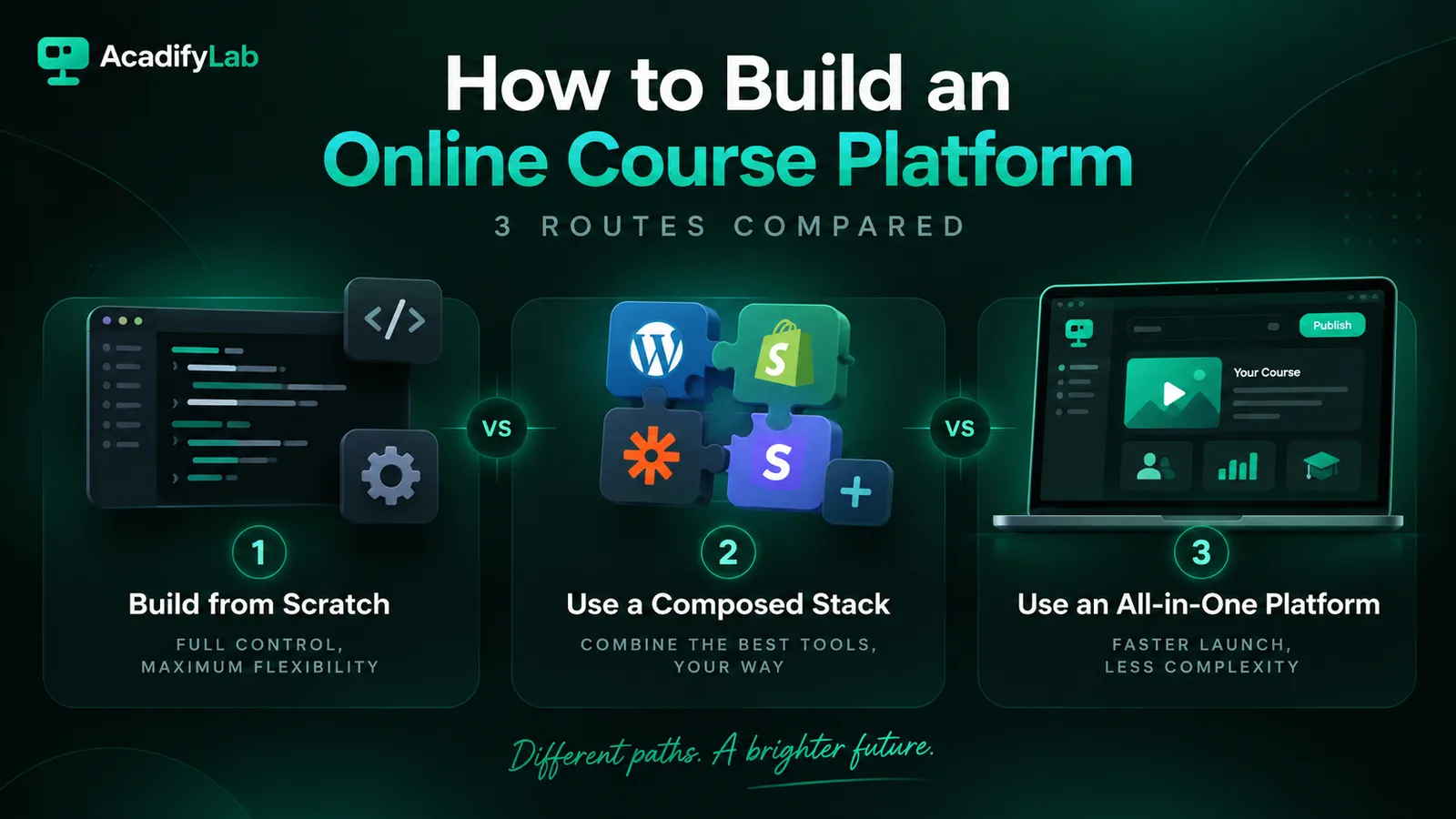
“How do I build an online course platform?” is usually the wrong first question. There are three genuinely different routes — write the software, assemble it from separate tools, or run on a platform built for the job — and they differ by an order of magnitude in cost, time and what you are responsible for afterwards. Picking the route is the decision. Everything after that is execution.
This guide covers what a course platform actually consists of, the three routes and who each one suits, how the costs are structured, and a build sequence that does not collapse the first time you run a live class.
What an online course platform actually involves
An online course platform is the system that hosts your courses, enrols and authenticates learners, delivers video and assessments, takes payment, and reports on progress. Most people underestimate it because they picture the course pages and forget the seven parts underneath.
- Content delivery — video hosting, streaming, and protection against casual redistribution
- Enrolment and identity — accounts, access rules, batches or cohorts
- Live delivery — scheduling, live classes, recordings, attendance
- Assessment — tests, assignments, grading, certificates
- Payments — checkout, invoicing, refunds, instalments, tax handling
- Communication — email and app notifications, reminders, announcements
- Reporting — who is progressing, who has stalled, what revenue came from where
A course management platform that handles six of these and leaves one to a spreadsheet is not finished — the missing one becomes the job you do every week.
The three routes, and who each one suits
1. Build it from scratch
Custom software, written for you. You control everything and own the code. You also own video infrastructure, payment compliance, app-store releases and every bug found at 11pm before an exam. This route makes sense when your teaching model genuinely does not fit existing tools — an unusual assessment format, a regulated environment, or integration into a larger system you already run. It rarely makes sense simply to save subscription fees, because the maintenance never stops. If this is your situation, the relevant search is custom LMS software development, not course platform.
2. Assemble it from separate tools
A website plus an LMS plugin, a video tool, a payment gateway, a mailing tool and a spreadsheet holding it together. It is the cheapest way to start and the most common way to begin. The cost arrives later, in three forms: reconciling data that lives in five places, per-tool subscriptions that individually look small, and the absence of anyone to call when the parts disagree. This route suits a first cohort or a pilot where the priority is validating demand, not operating at scale.
3. Run on an all-in-one course platform
One system covering the seven components above, usually with your own branding on top. You trade some control for not having to integrate anything. The question that decides whether it is a good trade is how much of the platform is genuinely yours — your domain, your app listing, your learner data — which is what white-labeling an LMS actually determines.
How online course platform cost is structured
Compare cost structures rather than headline prices, because the three routes fail to be comparable on price alone.
- Custom build — a large one-off development cost, then a permanent maintenance cost that does not appear on any quote. Budget for the second one; it is the one that surprises people.
- Assembled stack — several small monthly subscriptions, plus your own time as the integration layer. The subscriptions are visible; the time is not.
- All-in-one platform — a single subscription, sometimes with a revenue share on top. A revenue share is the one line that scales with your success rather than your usage, so it deserves separate arithmetic.
We work through that comparison in detail in LMS pricing models and total cost.
How to choose: five questions
- Is your teaching model unusual? If yes, custom may be justified. If no, it almost certainly is not.
- Who maintains it in year two? If there is no clear answer, do not build from scratch.
- Do you need a branded mobile app? Assembled stacks struggle here — app-store publishing is not a plugin.
- How much does brand ownership matter? If learners must experience your brand rather than a vendor’s, that rules out marketplaces and some platforms.
- What happens if you leave? Ask about data export and app ownership before you commit, not after.
A build sequence that survives the first live class
- Define one course end to end before choosing anything. Structure, assessments, certificate. If you have not done this, start with how to structure an online course.
- Write down the enrolment path a learner takes from payment to first lesson. Every gap in it becomes a support ticket.
- Choose the route using the five questions above.
- Set up payments first, not last. Tax, invoicing and refunds are the parts most likely to force a rebuild.
- Run one live class with real learners before migrating your catalogue. Live delivery is where assembled stacks break.
- Add branding and the app once the workflow holds.
- Instrument it so you can see drop-off before learners tell you.
Common mistakes
- Choosing on feature count. Feature lists are comparable; workflows are not. Test your actual workflow.
- Leaving payments until the end. It is the hardest part to retrofit.
- Assuming a mobile app is a small addition. Store review, updates and developer accounts are ongoing work.
- Building for a scale you do not have. Architecture for ten thousand learners is a poor use of money when you have thirty.
- Ignoring the exit. The cost of leaving a platform is part of its price.
Frequently asked questions
Can I build an online course platform without coding? Yes — routes two and three both avoid writing software. Route two assembles existing tools; route three uses a platform built for the purpose. Only a custom build requires development.
How long does it take? An assembled stack or an all-in-one platform can run a first cohort quickly, because the work is configuration rather than construction. A custom build is a software project and should be planned as one.
Do I need my own mobile app? Not to start. It matters most where learners study on phones and expect an app rather than a browser tab — and it is the component assembled stacks handle worst.
What is the difference between a course platform and an LMS? In practice the terms overlap. “LMS” usually implies stronger assessment, cohort and reporting features; “course platform” usually implies stronger selling and marketing features. Judge the product, not the label.
Should I use a marketplace instead? A marketplace brings discovery but places its brand and rules between you and the learner. That trade-off is covered in white-label LMS versus a course marketplace.
Where to go next
If you have worked through the five questions and route three fits, the practical next step is to test your own workflow — one course, one cohort, one payment — on a platform rather than on a feature list. AcadifyLab is built for that third route, and you are welcome to see how it works for independent trainers or bring the five questions to any vendor, including us.