On this page
- What are teaching aids?
- Types of teaching aids
- Digital teaching aids that genuinely help in coaching
- Traditional teaching aids that still work
- Teaching aids that are often just noise
- A simple test: does this teaching aid help learning?
- Matching teaching aids to subjects
- Using teaching aids in offline, online and hybrid classes
- Helping teachers use teaching aids well
- Building a teaching aid toolkit on a budget
- Frequently asked questions
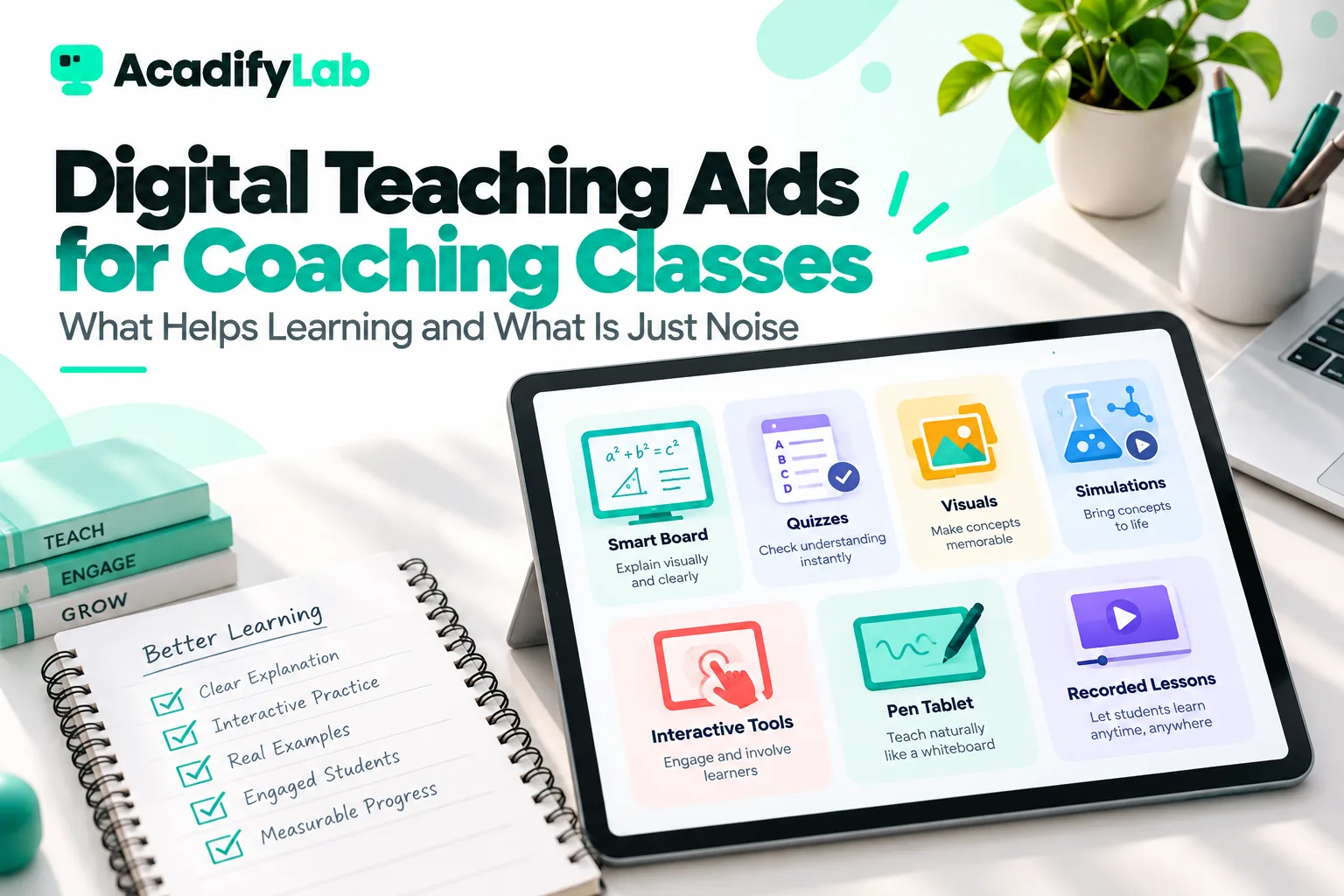
Teaching aids are any materials or tools that help a teacher explain an idea and help students understand and remember it, from a blackboard and charts to models, videos, pen tablets and online quizzes. In coaching classes, the most useful digital teaching aids are the ones that make thinking visible or give fast practice and feedback: a pen tablet or interactive board for worked solutions, short recorded explanations, quick quizzes, OMR-based tests and a well-organised question bank. Tools that only add decoration or novelty usually distract more than they help.
This guide covers the main types of teaching aids, the digital ones that genuinely improve learning in coaching, and a simple test you can apply before adopting any new tool.
Key takeaways
- Teaching aids are usually grouped as visual, audio, audio-visual, interactive and physical (models and real objects).
- The best aid depends on the learning goal: explaining, showing, practising or checking.
- In coaching, aids that support worked examples, practice and quick feedback deliver the most value.
- Animations and flashy slides can overload students. Simple, focused visuals usually work better.
- Before adopting any tool, ask: does it help students think, practise or get feedback faster?
What are teaching aids?
Teaching aids, sometimes called instructional aids or teaching–learning materials (TLM), support the teacher’s explanation and the student’s learning. They help in several ways: making abstract ideas concrete, showing processes that are hard to describe in words, giving students something to do rather than just listen, and making it easier to check understanding.
A teaching aid is not the lesson. A good teacher with a blackboard often beats a poor lesson with expensive technology. The value of any aid lies in how well it serves a specific learning purpose.
For coaching institutes, teaching aids also affect how parents and students perceive quality. A well-organised set of recorded explanations, practice tests and clear notes signals a professional academy. That benefit is real, but it should follow from better learning, not replace it.
Types of teaching aids
| Type | Examples | Best for |
|---|---|---|
| Visual | Blackboard or whiteboard, charts, diagrams, flash cards, maps, posters, slides | Showing structure, relationships, steps and key facts |
| Audio | Recorded explanations, podcasts, pronunciation clips | Language learning, listening skills, revision on the move |
| Audio-visual | Videos, animations, screen recordings, live classes | Demonstrating processes, explaining concepts with visuals and narration |
| Interactive and digital | Interactive boards, pen tablets, simulations, online quizzes, polls, learning platforms | Practice, feedback, participation and personalised pace |
| Physical (realia and models) | Molecular models, geometric solids, lab equipment, real objects | Spatial understanding, hands-on learning |
| Printed | Notes, worksheets, question papers, formula sheets | Practice, revision and reference |
Some classifications also distinguish projected aids (projectors, smart boards) from non-projected aids (boards, charts, models). For practical classroom decisions, the purpose-based grouping above is more useful.
Digital teaching aids that genuinely help in coaching
Coaching classes have a specific goal: students must understand concepts quickly and then apply them to many problems under exam conditions. These digital aids directly serve that goal.
1. Pen tablet or interactive display
Writing solutions step by step while students watch is the core of teaching maths, physics, chemistry and accounts. A pen tablet connected to a laptop, or an interactive display in a classroom, lets you do this in online, offline and hybrid classes, save the board as a PDF and record it. For online teaching, a pen tablet is one of the highest-value purchases a teacher can make.
2. Short recorded explanations
Recordings of key concepts and tricky problem types let students review at their own pace, catch up after absences and revise before exams. They also enable a flipped classroom, where concept videos are watched at home and class time is used for practice. We explain this approach in our guide to the flipped classroom for coaching institutes.
3. Quick quizzes and live polls
A three-question quiz at the end of a topic, or a poll in the middle of a live class, shows you instantly who understood. Automatic marking saves teacher time, and students get feedback while the lesson is fresh. This is one of the simplest and most effective digital aids available.
4. OMR sheets and test analysis
For institutes running regular objective tests on paper, OMR sheets cut checking time dramatically and enable question-wise analysis. Knowing which questions most students got wrong tells you what to reteach. You can create sheets with our free OMR sheet maker.
5. Question banks
A tagged question bank, organised by chapter, concept, difficulty and source, is a long-term asset for any coaching institute. It makes it fast to build practice sets, chapter tests and full mock tests, and to give stronger and weaker students different practice. Digital question banks in a learning platform can generate tests automatically from your tagging.
6. Simulations and visualisations
For topics that are hard to imagine, such as electric fields, wave motion, 3D geometry, molecular shapes or graphs of functions, a good simulation or graphing tool can create the “aha” moment faster than words. Use them briefly to build intuition, then return to problem-solving.
7. A single learning platform
When notes, recordings, tests, attendance and announcements live in one place, students know where everything is, and teachers spend less time answering “Where is the PDF?” A platform is less a teaching aid than the place where all your teaching aids live. See our page for coaching institutes for how this works with live classes, tests and automatic attendance.
Traditional teaching aids that still work
Digital tools don’t make traditional aids obsolete. Many remain highly effective:
- The whiteboard or blackboard for building a solution step by step at a pace students can follow.
- Formula and concept charts on classroom walls for constant exposure.
- Flash cards for definitions, formulas, vocabulary and quick recall drills.
- Physical models for chemistry, biology and geometry, where holding and rotating an object builds understanding.
- Printed worksheets for focused practice without screen distractions.
The best coaching classrooms usually mix both: digital tools where they add speed, reach or feedback, and simple physical aids where they help students think.
Teaching aids that are often just noise
Some tools look impressive but add little to learning, or actively distract:
- Heavily animated slides where text flies in and objects spin. Students watch the movement, not the idea.
- Long videos played in class without pauses or tasks, turning class time into passive viewing.
- Too many apps, one for notes, another for quizzes, another for doubts and another for videos, each with separate logins.
- Decorative images on slides that don’t explain anything.
- Gimmicky tools adopted because they are new, without a clear learning purpose.
- Reading slides aloud. If the slide has everything you say, students are processing the same words twice and listening to neither properly.
Cognitive load research suggests that learners have limited working memory, so extra visual or audio elements that aren’t essential can reduce learning rather than improve it. Simple, focused visuals that directly support the explanation are usually best.
A simple test: does this teaching aid help learning?
Before adopting any tool, ask these five questions:
- Purpose: which specific learning problem does it solve: explaining, showing, practising, checking or organising?
- Thinking: does it make students think harder about the content, or just watch?
- Feedback: does it help students or teachers see understanding faster?
- Effort: is the setup and learning time worth the benefit for teachers and students?
- Access: does it work for all students, including those on basic phones with limited data?
If a tool passes at least three of these clearly, it is worth a trial. Run it with one batch for a few weeks, ask students and teachers for feedback, and check whether test results or participation improve before rolling it out widely.
Matching teaching aids to subjects
| Subject | High-value aids |
|---|---|
| Mathematics | Pen tablet or board for worked solutions, graphing tools, geometric solids, quick quizzes |
| Physics | Simulations for fields and waves, demonstrations, worked-problem recordings |
| Chemistry | Molecular models, reaction mechanism animations, formula charts |
| Biology | Labelled diagrams, models, short process videos |
| Languages | Audio clips, flash cards, writing practice with feedback |
| Commerce and accounts | Worked examples on board, templates, case-based practice |
| Reasoning and aptitude | Timed quizzes, question banks, solution recordings |
Using teaching aids in offline, online and hybrid classes
The same aid behaves differently depending on how you teach:
- Offline classrooms: the board, physical models and printed worksheets shine. An interactive display or projector adds value when it shows something the board can’t, such as a simulation or a saved solution from the last class. Check visibility from the back row.
- Online classes: the pen tablet replaces the board, and polls and chat replace raised hands. Physical models can still work if you hold them close to the camera, but a simulation is often clearer. Keep shared screens simple, since many students watch on small phone screens.
- Hybrid classes: choose aids that work for both audiences at once. A pen tablet or interactive display shown on the classroom screen and streamed online serves both groups. Avoid aids only the room can see, such as a model on the teacher’s desk, without also showing it on camera.
Helping teachers use teaching aids well
A new tool rarely improves results by itself. Teachers need time and support to use it well. When introducing a teaching aid across an institute:
- Start with a pilot with one or two willing teachers who can share what worked.
- Show, don’t tell. Short demonstrations of a real lesson using the tool beat feature walkthroughs.
- Share ready-made resources such as question sets, slide templates or simulation links, so teachers don’t start from zero.
- Set a clear purpose. For example: “Use a three-question poll after each concept to check understanding.”
- Review and adjust after a few weeks, based on teacher and student feedback.
Teachers who understand why an aid helps are far more likely to keep using it after the initial enthusiasm fades.
Building a teaching aid toolkit on a budget
You don’t need a large budget to teach effectively with digital aids. A practical starter toolkit for a coaching teacher includes a laptop, a pen tablet, a good microphone, a learning platform that handles live classes, recordings and quizzes, and a collection of printed worksheets and formula sheets. Add simulations and models for specific topics as needed. Our free lesson plan generator helps you plan how each aid fits into a lesson, and the question paper generator turns your printed tests into a formatted paper in minutes.
Frequently asked questions
What are teaching aids?
Teaching aids are materials and tools that help teachers explain ideas and help students understand and remember them. Examples include boards, charts, models, flash cards, videos, slides, pen tablets, simulations, quizzes and learning platforms. They are most effective when chosen for a specific learning purpose rather than for novelty.
What are the different types of teaching aids?
Common types are visual aids (boards, charts, diagrams), audio aids (recordings), audio-visual aids (videos, animations, live classes), interactive and digital aids (pen tablets, simulations, quizzes, polls), physical aids (models and real objects) and printed materials (notes, worksheets, question papers). Most effective lessons combine several types.
What are digital teaching aids?
Digital teaching aids are technology-based tools that support teaching and learning, such as interactive displays, pen tablets, recorded lessons, online quizzes, live polls, simulations, question banks and learning platforms. In coaching, the most useful ones support worked examples, practice and fast feedback, and work well on students’ phones.
Which teaching aids are best for coaching classes?
For coaching, the most valuable aids are a pen tablet or board for step-by-step solutions, short recorded explanations, quick quizzes and polls, OMR-based tests with analysis, a well-tagged question bank and a single learning platform where all material lives. Physical models and charts remain useful for specific topics.
Can too many teaching aids hurt learning?
Yes. Excessive animations, decorative visuals, long passive videos and too many separate apps can overload students’ working memory and distract from the core idea. Choose fewer, purposeful aids that make students think, practise or get feedback, and remove anything that doesn’t clearly support learning.
Related articles